If your thermostat is not working, work through four things in order: the display and batteries, the mode and fan settings, the breaker and furnace power switch, and the schedule. Most problems end there. If the thermostat looks fine but the furnace or AC does not respond, the fault may be in the equipment instead. Our page on HVAC thermostat repair covers what a specialist does and what a repair costs. This page helps you find which situation you are in, so you know what to try and when to stop.
Why is my thermostat not kicking on at the set temperature?
The thermostat only sends a call for heat or cooling. If the system does not start when the room passes your set point, check that the mode matches the season, the set temperature is far enough from the room temperature, the schedule is not overriding it and the system has power. If all of those are right, the thermostat, wiring or equipment may have a fault.
Work down this list:
- Mode. Heat, cool, auto and off are different. In "auto" on some models there is a gap before the system switches between heating and cooling.
- Set point. Set it 3 to 5 degrees away from the room temperature to see whether the system responds.
- Hold or schedule. A program or hold can keep the set point at a different temperature than you expect.
- Fan. The fan setting changes how air moves but not the temperature. Auto runs the fan with the system. On runs it all the time.
- Delay. Some systems wait a few minutes before starting after a change.
- Placement. Keep the thermostat away from direct sun and drafts. A thermostat in the sun can read too warm and never call for heat.
If the display works but the system never starts, try the breaker and furnace switch next.
What can I troubleshoot if my furnace is not heating?
Check the thermostat is on heat with a set point above the room temperature, replace the batteries if it takes them, confirm the furnace power switch and breaker are on, and replace a dirty filter. If it still does not heat, stop. Do not open panels or touch the gas. A local specialist should find the fault. A reset button, where one exists, differs by brand.
What you can do safely:
- Filter. ENERGY STAR advises checking the filter monthly. A dirty filter slows airflow and can lead to failure.
- Power. Make sure the furnace switch is on and the breaker has not tripped.
- Vents. Check that the supply registers are open and clear.
- Gas supply. You do not check this yourself. If you smell gas, leave and call your gas utility or 911.
What you should not do: remove covers, touch the ignitor or flame sensor, or adjust the gas. See furnace repair for what a visit involves, and furnace reset for what a reset can and cannot do. A furnace that runs but blows cold air is a separate problem, covered in furnace blowing cold air.
My power came back on, but my thermostat isn't working. What should I do?
After an outage, give the system a few minutes to restart, then look at the thermostat display. Many thermostats reset their settings or clock, and some need the system's own power to come back first. Check the thermostat settings, the furnace or air handler switch and the breaker. If the display stays blank, the thermostat may have lost power from the system.
A power surge or outage can leave you with:
- A blank screen. Check batteries, then the breaker and the furnace switch.
- Lost schedules. Reprogram the schedule you want.
- Lost Wi-Fi on a smart thermostat. Reconnect it in the app.
- A system that will not start. Many have a built-in delay of a few minutes.
If breakers trip again after you reset them once, stop and call a specialist. Repeated trips mean a deeper electrical problem.
How do I reset or reboot my thermostat?
The steps depend on the model, so look for a reset or restart option in the settings menu or on the device. Many battery models reset when you take out the batteries for about a minute and put them back. Wired smart models may need the breaker turned off for a minute. A factory reset wipes your schedule, so write your settings down first.
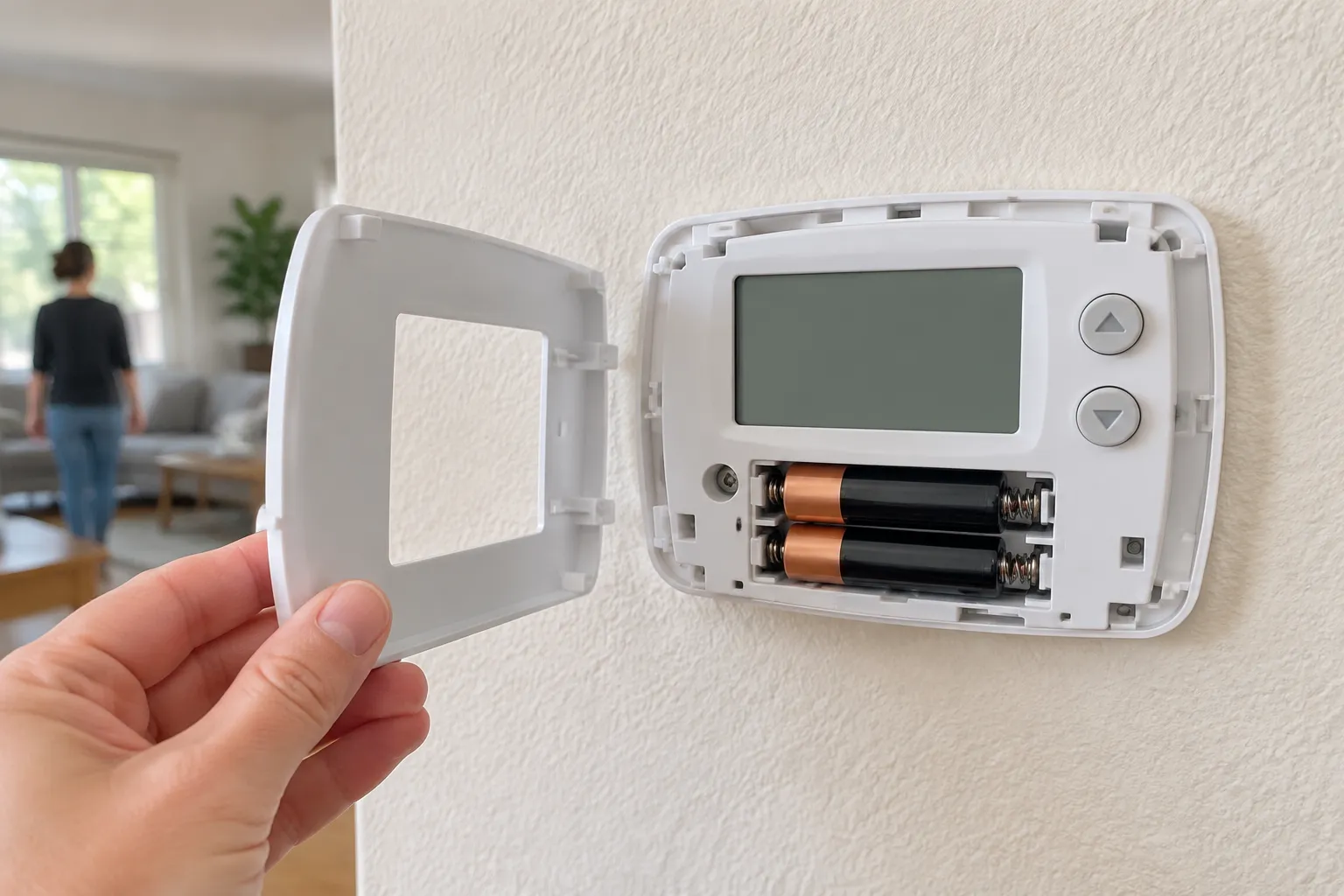
Practical notes:
- Heating thermostat. Set it to off, wait a minute, then set it to heat and a temperature above the room. Wait several minutes for the furnace to respond.
- Smart thermostat. Use the restart option in the app or menu before a factory reset.
- After resetting. Re-enter your thermostat settings, set the fan to auto and check the clock.
If the thermostat comes back and fails again soon, it is probably not a settings problem.
How do I tell if my house thermostat is bad?
Signs of a bad thermostat are a display or buttons that do not respond, readings that differ from a room thermometer, a system that cycles on and off rapidly, rising bills with no clear cause and uneven heating or cooling. If the display is fine but the equipment does not respond, the fault is more likely in the wiring or the equipment.
A stuck thermostat, sometimes called stuck closed or stuck open, shows up as a system that never stops running or never starts. If the fan and heat run endlessly, set the thermostat to off. If the system does not turn off, switch it off at the breaker and call a specialist.
A thermostat can also be right while the house is wrong. Leaky ducts or a dirty filter make rooms uneven. See HVAC ductwork repair.
How often should thermostats be replaced?
No source this site has checked gives a reliable lifespan for a thermostat, so ask a local specialist how yours is holding up. Replace sooner if the thermostat is inaccurate or unresponsive, or if you want a model with a schedule or app. Replacing an old manual thermostat with a programmable or smart one can help you save energy, but only if you use its schedule.
If you have a heat pump, check that any new thermostat works with it, and ask the specialist to confirm the match before you buy.
How much does it cost to replace a thermostat?
Fixr's thermostat installation guide puts a programmable thermostat replacement at $85 to $300, with an average near $200, and a smart model at $185 to $600. Ask the specialist what failed and whether a repair or a replacement is the better choice. See HVAC thermostat replacement cost for a full price guide.
Ask about financing options only if you are replacing more than a thermostat. Ask the specialist what failed and whether the thermostat or the wiring is to blame.
Questions people ask
How do I reset my heating thermostat?
Set it to off for a minute, then set it back to heat with a temperature above the room. If it has a reset option, use it, or remove the batteries for about a minute if it takes them. Reset steps differ by brand, so check the manual. If the furnace still does not respond, call a local specialist.
How do I reboot my thermostat?
Use the restart option in the menu or app. If there is none, remove the batteries for a minute and replace them, or switch the system's breaker off and on once. Write down your schedule first. If the thermostat works for a short time and fails again, it needs more than a reboot.
How do I tell if my house thermostat is bad?
Check whether it responds, whether its reading matches a thermometer in the room, and whether the system cycles rapidly. An unresponsive screen, wrong readings and short cycling are common signs. If the thermostat looks fine and the system still does not respond, a local specialist should test the wiring and equipment.
Who should fix a thermostat that is not working?
A local HVAC specialist. C-20 is the CSLB classification for warm-air heating, ventilating and air-conditioning work. Ask any specialist for their license number and check it on the CSLB License Check page. Get a written quote that names the fault, and ask whether a repair or a replacement is better. You can also go back to our home page for other repair guides.
Why does my AC thermostat not turn the AC on?
Check that it is set to cool, the set temperature is below the room temperature, the breaker is on and the filter is clean. If the display works and the AC still does not start, the fault may be in the AC itself. See AC repair for next steps.
Where these facts come from
- ENERGY STAR, maintenance checklist
- Fixr, thermostat installation cost
- Published troubleshooting guides from heating and cooling makers, checked November 2026
Page updated